05 / 06 · Restaurant & Café
From the table, to the kitchen, to the bill.
Table management, waiter ordering, kitchen order tickets and split bills for restaurants and cafés.
Ask about a restaurant counter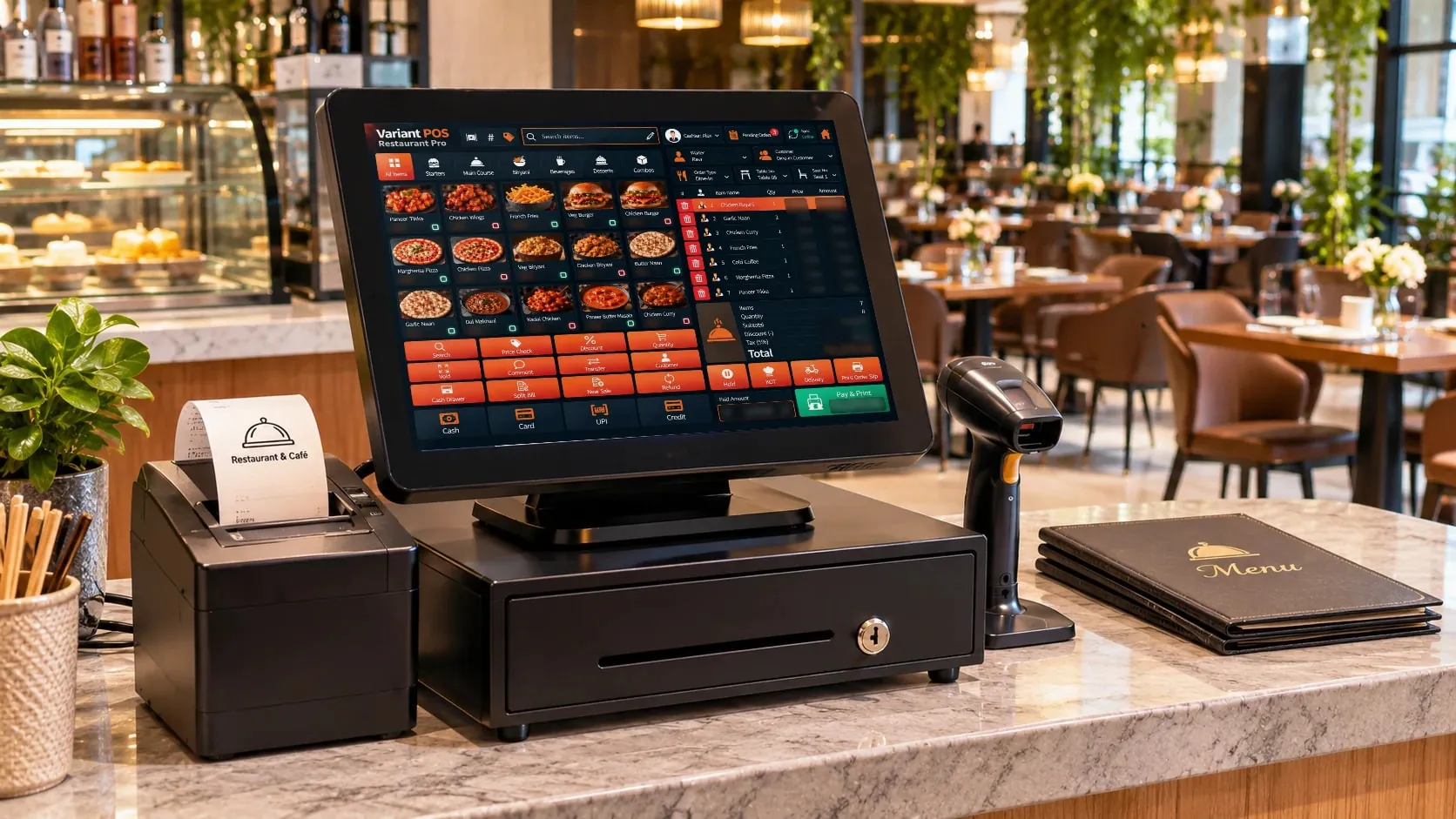
A day at your counter
Open
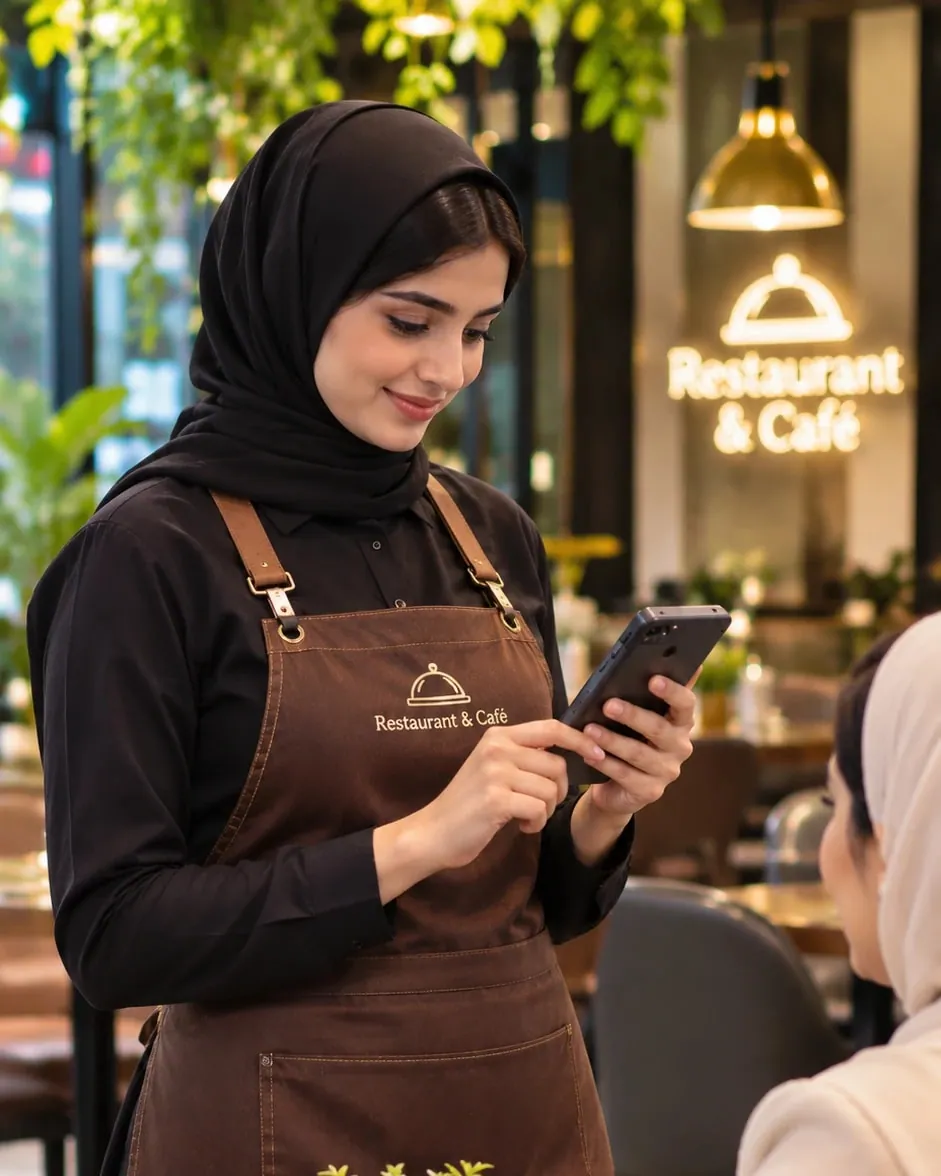
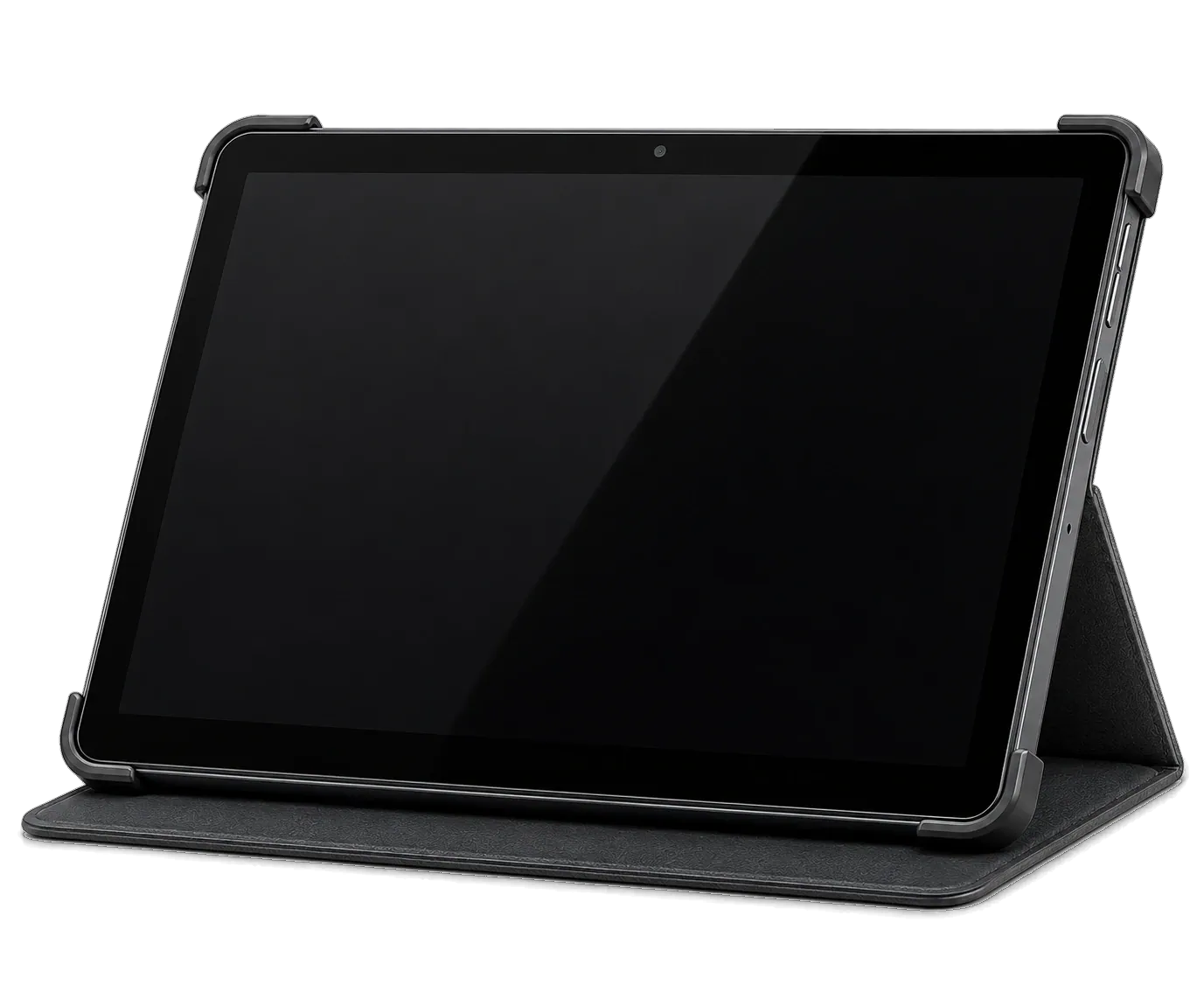
Tables, menu and kitchens are set; waiters sign in on phones or tablets.
Busy hours
Orders print as KOTs in the right kitchen; takeaway and delivery orders are managed alongside.
Close
Split bills at the table, record payments, review cashier reports.
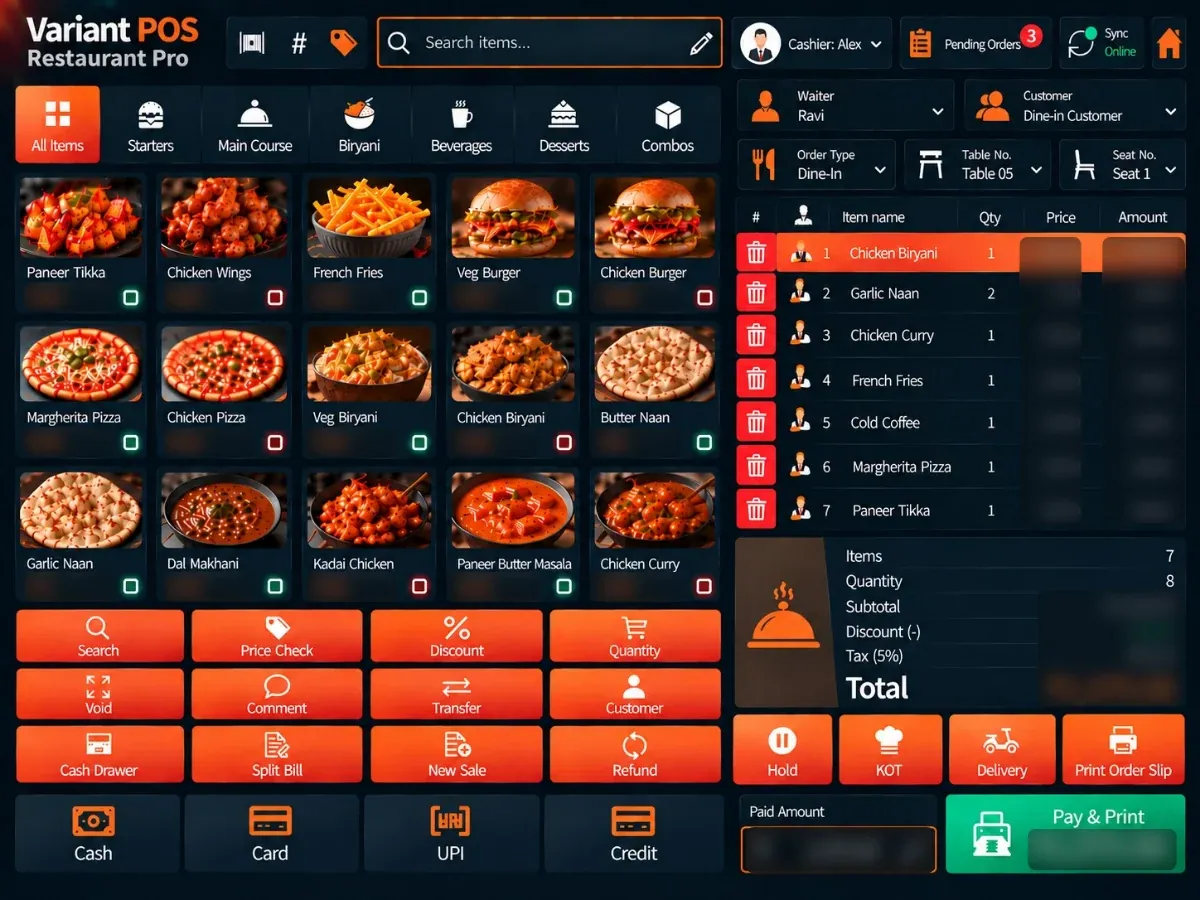
The real screen
What's on the bill
Table management and table-wise billing
Waiter ordering on mobile or tablet
Kitchen Order Tickets with kitchen-wise routing
Split bills
Takeaway and delivery order management
Recipe-based ingredient stock
Cash and card payments recorded
Sales and cashier reports
Restaurant flow
Table, kitchen, bill — step by step.
Four everyday restaurant moments. Pick one, then tap a step or press play.
Table to kitchen.
Kitchen
Tap a table to start
Pick the table on the floor plan.
Waiters can order from a phone or tablet.
The order is confirmed — not yet billed.
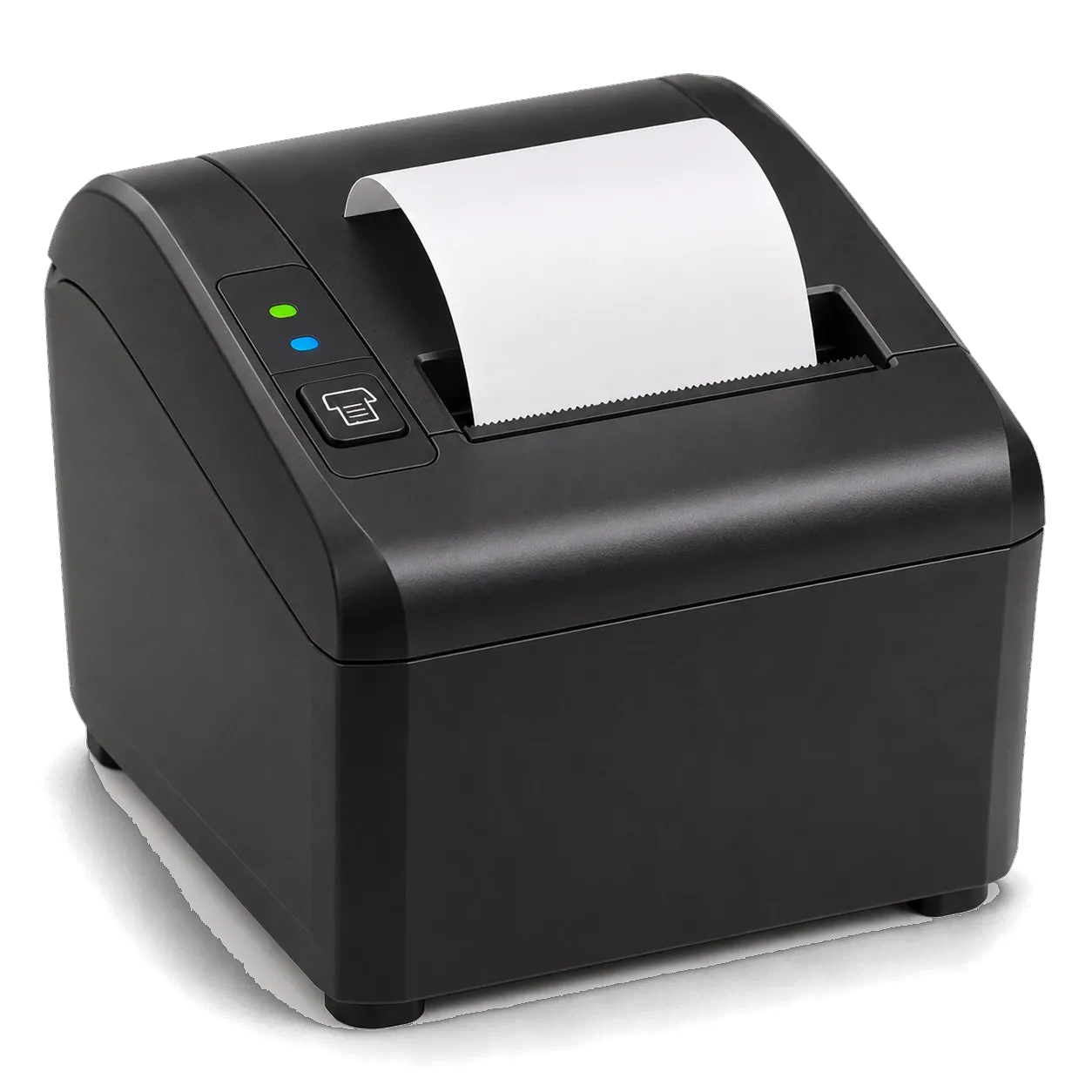
A kitchen order ticket prints at the right kitchen.
Illustrative walkthrough — not the actual screen
The order slip.
An order is entered.
An order slip prints for the order.
The customer's bill is printed at payment.
Illustrative walkthrough — not the actual screen
Hold now, finish later.
Start an order.
Park it — a held order is not an invoice.
See every held order.
Bring it back to the counter.
Take payment and print the bill.
Illustrative walkthrough — not the actual screen
One table, separate bills.
One order for the table.
Divide the order.
Each guest gets their own bill. (Split payment is different: one bill paid by cash and card.)
Illustrative walkthrough — not the actual screen
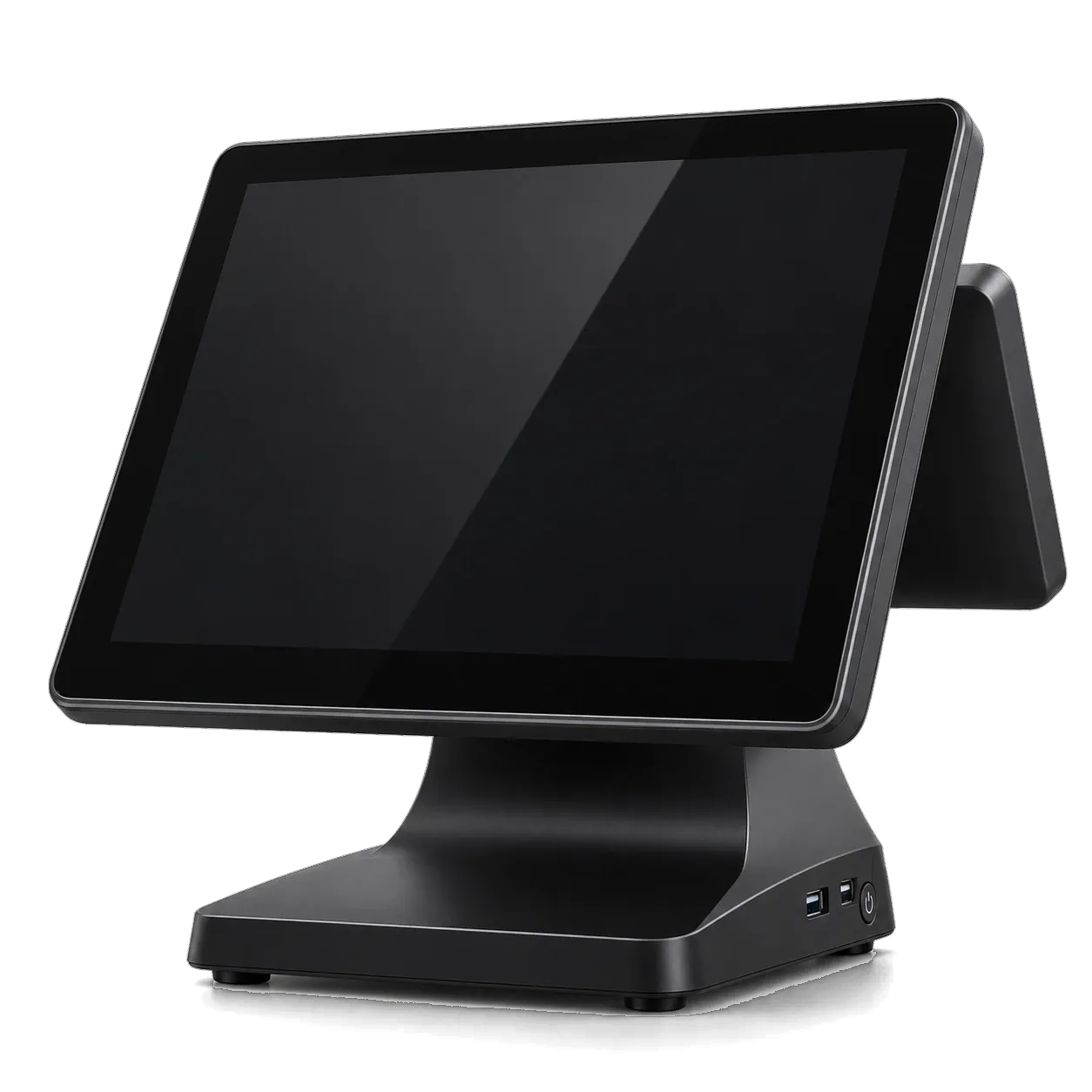
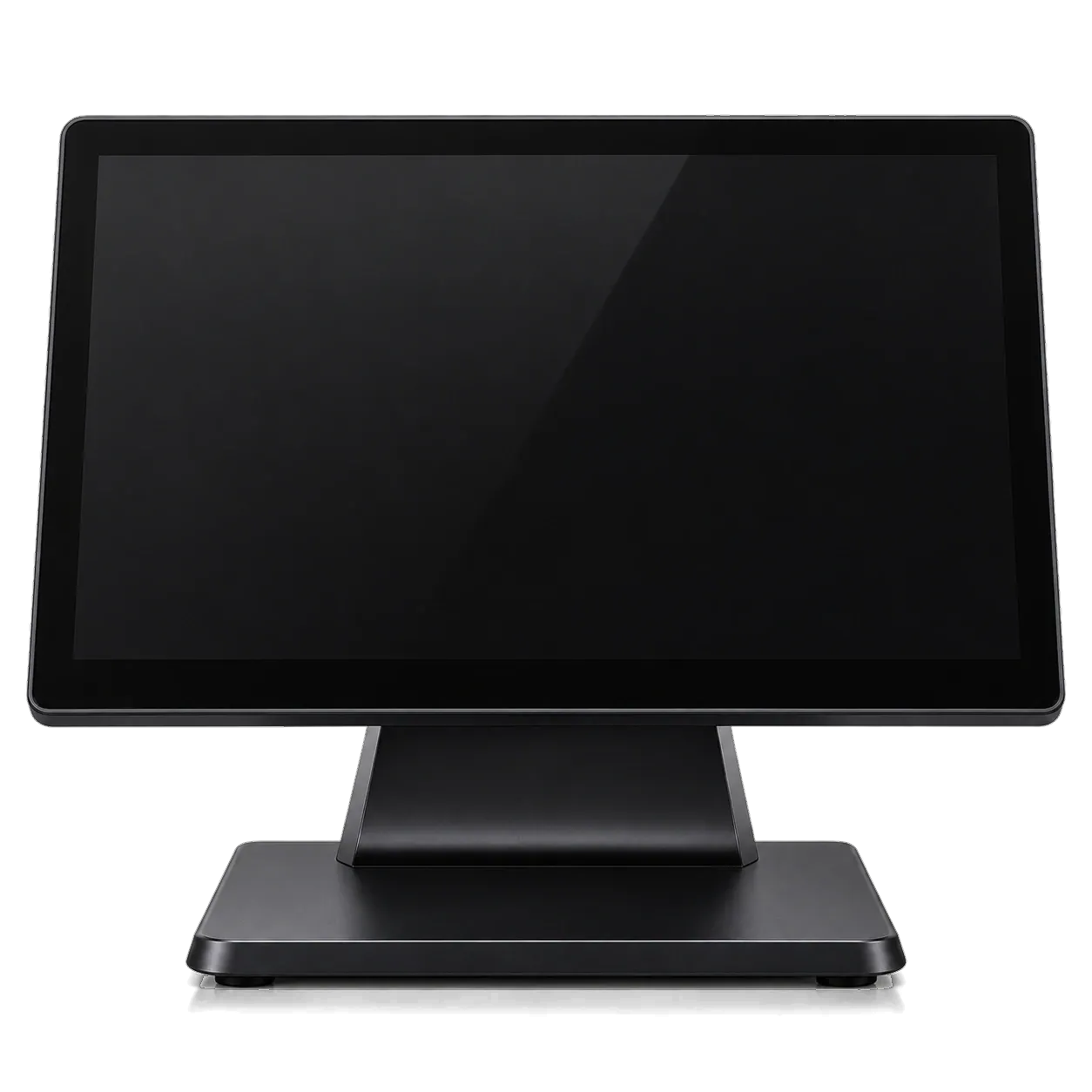
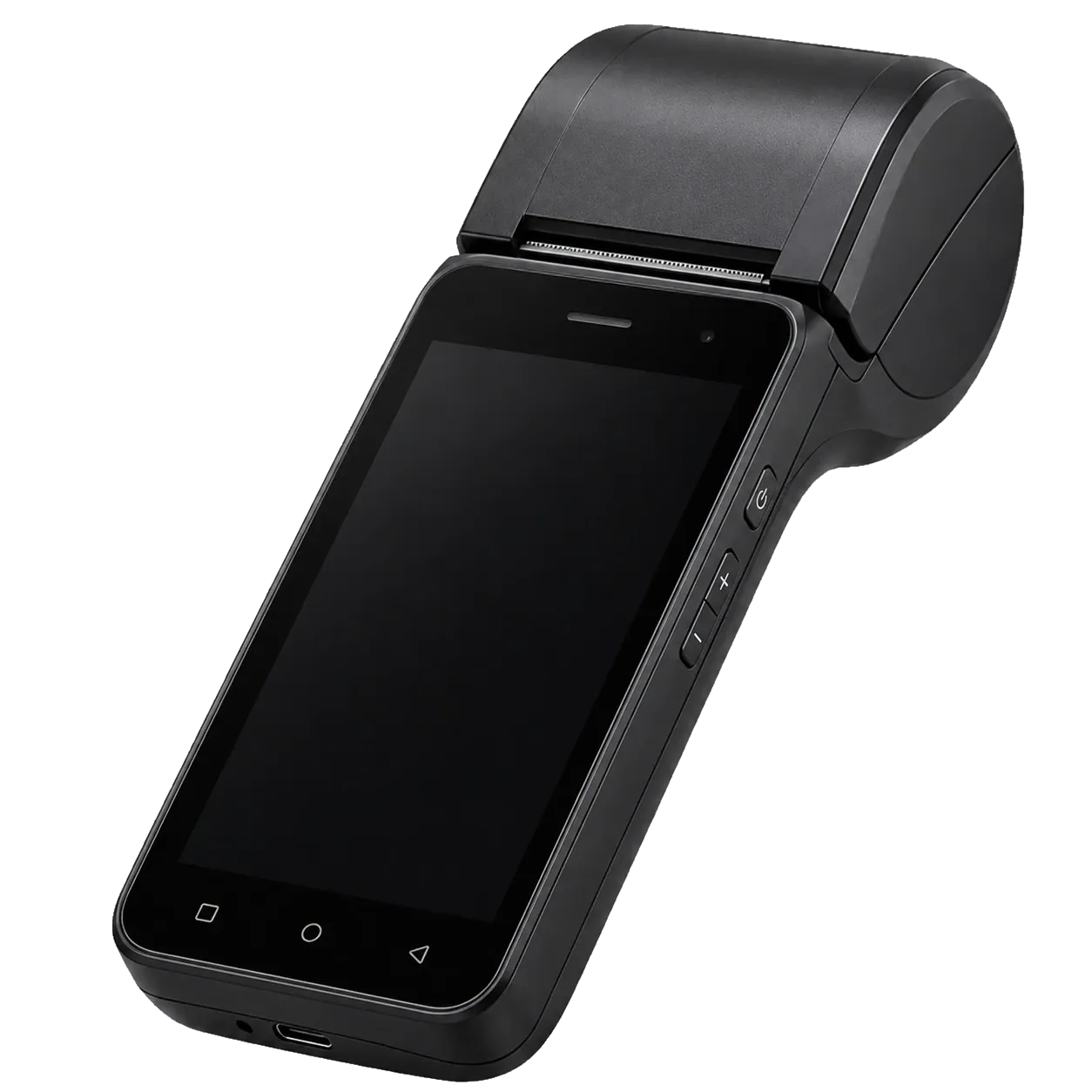
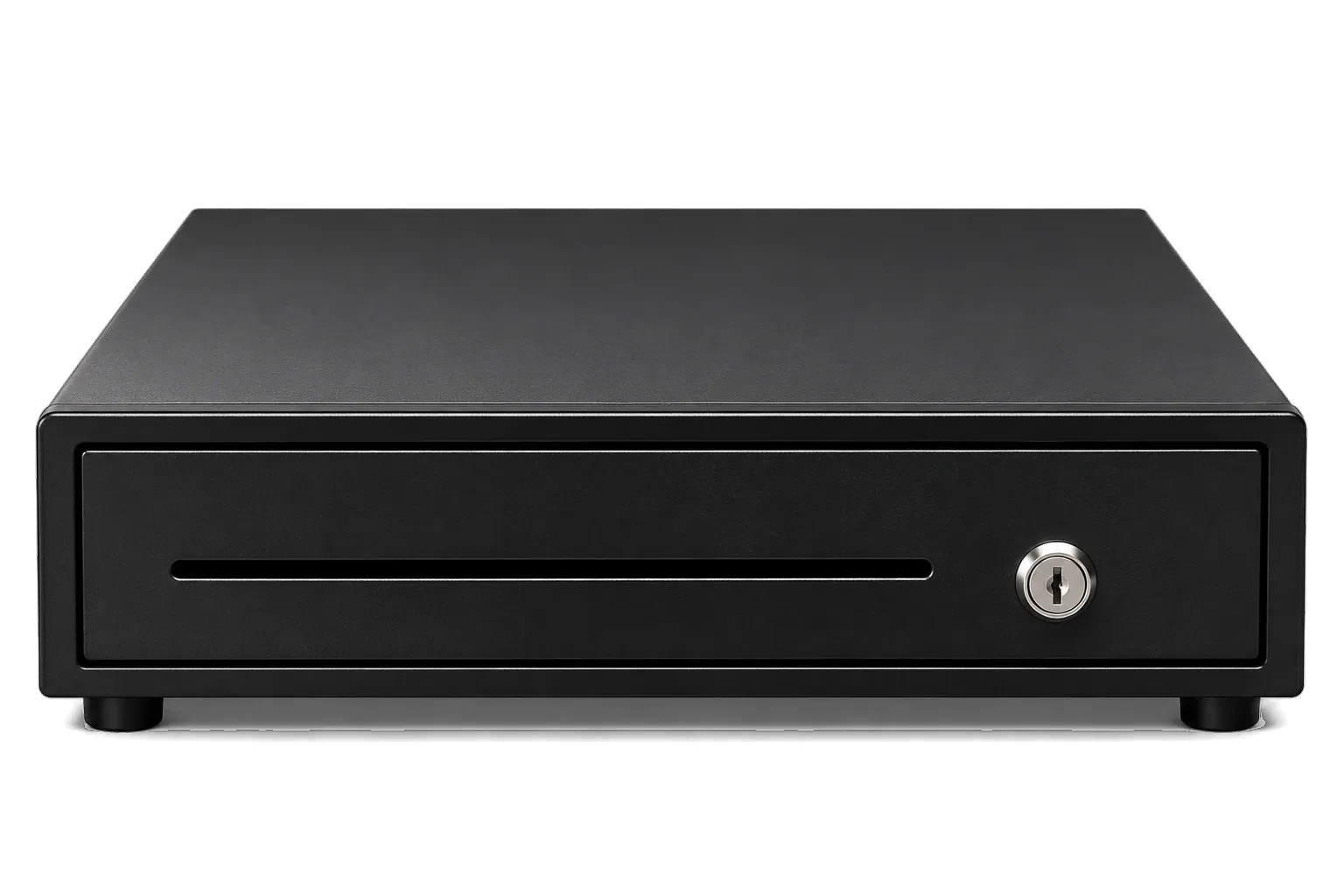
Recommended counter
Ways to buy
Choose how you own it.
The same capable POS, three ways onto your counter. No price list here — everything is confirmed in your quotation.

Software & setupPer package
TermsIn your quotation
Warranty and rental terms vary by product and package. Applicable conditions are confirmed in your quotation.
Your WhatsApp message
Send on WhatsAppPremium cloud is a subscription.
The cloud dashboard, Smart Reports and AI chatbot come with our subscription packages — separate from how you own the hardware. Start with a 7-day trial.
Restaurant & Café
Good to know
Do you have a kitchen display screen (KDS)?
Not today. Orders print as kitchen tickets (KOT) routed to each kitchen; a kitchen display system isn't available.
Can I receive Talabat, Noon or Deliveroo orders automatically?
Not yet — direct delivery-platform integration is planned. Today you manage takeaway and delivery orders inside the POS.
Do you support QR menus or online ordering?
Not today.
Tell us about your counter.
A free consultation on WhatsApp — we'll recommend the hardware, software and package that fit your business.